
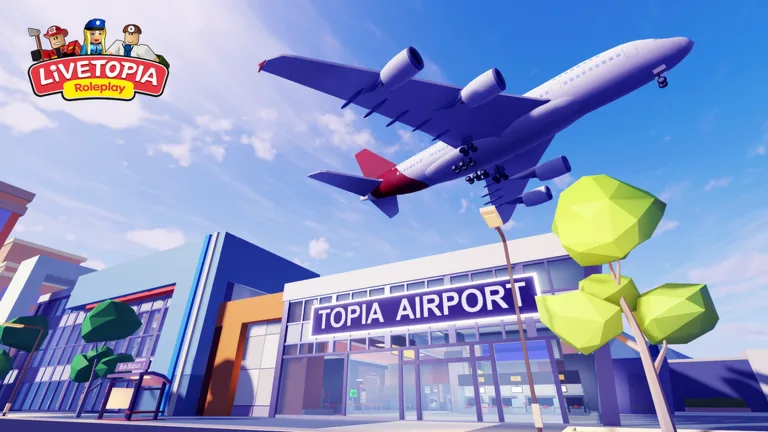
Choose the Aviation Pass for its particular aircraft, cabin access, and aviation-themed extras. If your goal is a cockpit scene, a trainer flight, or a flying vehicle, compare that exact item with the package before organizing the trip.
The Livetopia RP aviation pass includes more than aircraft. Aircraft access, first-class suites, parachute equipment, costumes, and themed homes are different reasons to choose it. For a sightseeing trip, check which of those extras your group will actually use.
Advertised contents checked on September 27, 2026. Read current boarding and item prompts before planning around a particular vehicle or cabin.
What the Aviation Pass advertises
The official Aviation Pass description lists the following selections. Match the name on your screen to the name in the package rather than assuming all flying objects have the same access requirement.
| Content group | Named contents | A useful reason to choose it |
|---|---|---|
| Aircraft and flying vehicles | Flying police car, flying sports car, PowerFly S3 Trainer, exclusive helicopters | A specific vehicle for your next flight scene |
| Cabin access | First Class Suites and cockpits | A passenger or flight-crew setting |
| Equipment | Parachute Pack | A parachuting theme when the current equipment is available |
| Clothing | Captain Suit and Special Force outfit | A recognizable aviation character |
| Housing | UFO House and Runway Roof House | A home that matches the aviation theme |
| Other named extras | Hoverbike and Love Spreader | Additional items to inspect in the current selection |
A product name tells you what the item is called, not how to operate it. Check an item’s actual prompts before using it, especially equipment and unusual vehicles. Do not infer speed, damage, automatic flight behavior, or a special effect from the name alone.
Separate a passenger scene from a pilot scene
For a passenger story, start with a meeting point and a destination. Decide who is traveling together, then check which cabin each person can enter. First-class access is one advertised benefit; that is different from claiming that the entire airport or every passenger experience requires this pass.
For a pilot story, choose the exact aircraft or cockpit your character will use. The PowerFly S3 Trainer is named in the current package. Exclusive helicopters and flying cars give you other settings to try. Follow their own control prompts instead of copying a key binding from another vehicle.
The developer’s historical airport introduction described counters, checkpoints, terminals, baggage claims, commercial aircraft, and a Pilot Academy. That introduction describes the airport setting at the time. Check today’s airport signs and available selections for the actual trip you are taking.
Match the package to a short story
You can use the theme without turning the session into a complicated flight simulation. Try one of these suggested scenes:
- A captain meets the passengers and explains the group’s chosen destination.
- A trainee introduces their selected aircraft to a friend before practicing with its present controls.
- Travelers compare cabin access, agree on a meeting place, and begin a holiday story together.
- An aviation enthusiast gives a visitor a tour of an available themed home.
These are stories to act out, not assigned missions with promised rewards. Decide how the scene ends before leaving the meeting point. A short arrival, introduction, or tour is easier to finish than a long plot that depends on unconfirmed departure times.
Check access for each player. A friend who cannot use a particular cabin can still take part in another shared setting. Change the scene instead of making a purchase the condition for joining the conversation.
Choose extras by the feature you will use
If the Runway Roof House is your main interest, inspect that home selection and its requirement. Its name does not guarantee an automatic aircraft-spawn system or prove that every flying vehicle works from the roof.
If the Parachute Pack is your main interest, check the current equipment and deployment prompts before arranging a jump. The pass advertises the pack, but an old video’s keyboard instruction is not a universal control for phones, consoles, and computers.
The May 2023 official house and helicopter announcement paired a free Asian-inspired home with a separate premium helicopter. Check each selection individually, since items introduced together can have different access rules. Verify which entries remain available now.
Before choosing the Livetopia RP aviation pass, name the aircraft, cabin, equipment, or home you want. Read that requirement, compare the current package, and check the checkout offer. Check other themed travel passes separately, since this package covers its own advertised contents.
FAQ
Does the Aviation Pass include cockpit access?
The current description advertises access to cockpits and First Class Suites. Check the specific aircraft’s present access prompt before planning your scene around it.
Does every aircraft require this pass?
Do not apply one item’s rule to every aircraft. Read the requirement on the particular vehicle or cabin you want; the pass identifies its own exclusive selections.
Which homes are named in the package?
UFO House and Runway Roof House are listed. Check those exact entries rather than assuming that any futuristic home belongs to the Aviation Pass.
Can I use an old video’s flight controls?
Follow the current controls for your selected vehicle and device. Menus, equipment prompts, and platform inputs can differ from an older demonstration.
What should I check before taking friends on a trip?
Agree on the meeting point and destination, then compare each player’s vehicle and cabin access. Choose a shared scene the whole group can join.